Office Vending Machine Setup Checklist: What Irvine Workplace Managers Need to Know
October 27, 2026 · 6 min read
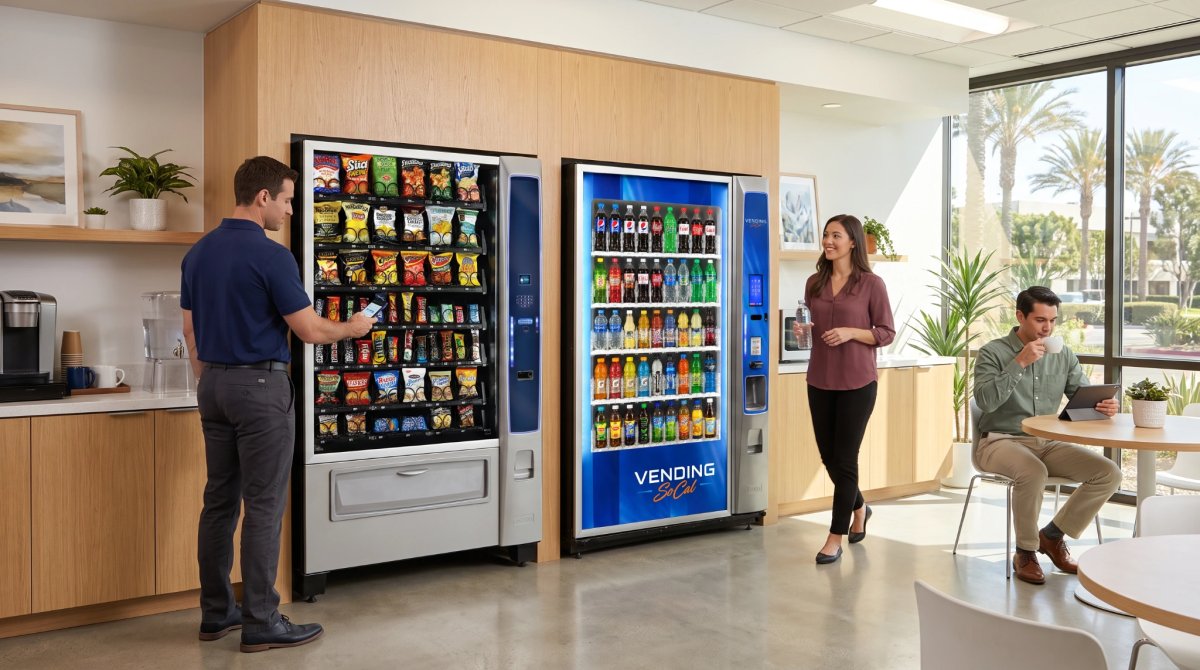
Setting up an office vending machine goes smoothly when the groundwork is done first. Before you request an installation, confirm your daily traffic, pick a breakroom spot with a standard outlet and clear access, choose the machine type, and gather employee preferences. Vending SoCal handles the rest for qualifying locations.
Key Takeaways
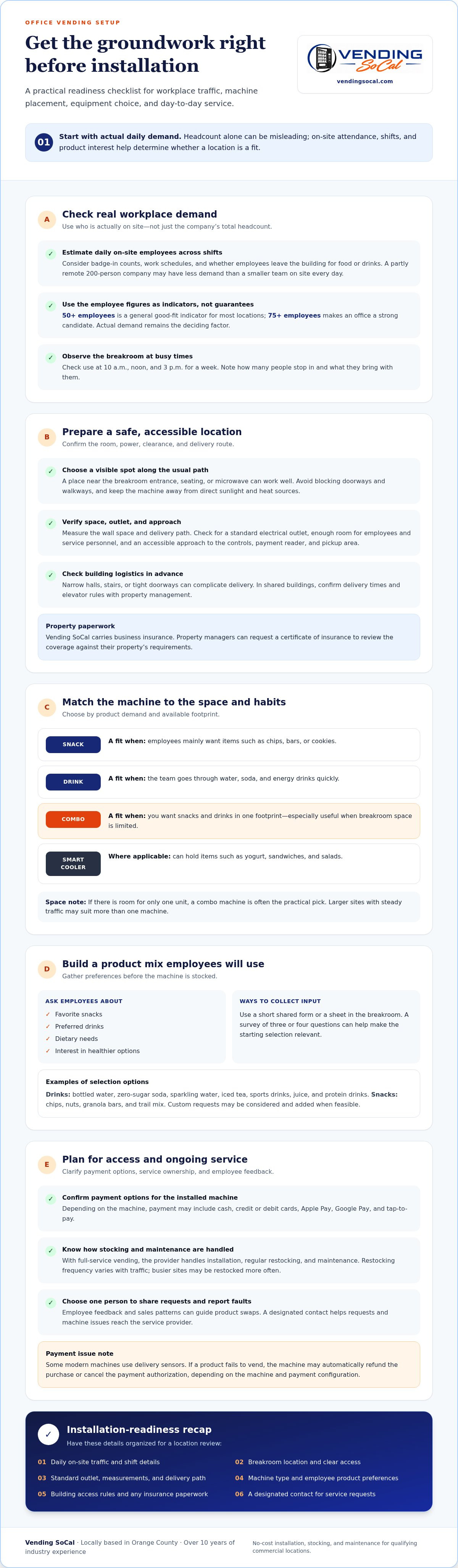
- Judge your workplace by actual daily traffic, not headcount alone.
- Place the machine in a safe indoor spot with a standard outlet and room for users and service staff.
- Choose snack, drink, or combo machines based on what employees want.
- Vending SoCal provides installation, stocking, and maintenance at no cost for qualifying commercial locations.
- Finish with a short checklist before you request service.
Assess employee interest and expected daily usage
Start with who is actually in the building. A 200-person company with most staff working remotely has less demand than a smaller team on site every day. Look at badge-in counts, shift schedules, and how often people leave for food or drinks.
Vending SoCal evaluates each location based on daily on-site traffic, expected purchasing demand, available space, and service-route feasibility. Larger workplaces are often stronger candidates, but every location is evaluated individually.
Walk the breakroom at 10 a.m., noon, and 3 p.m. for a week. Note how many people use it and what they bring in. That simple observation tells you more than any estimate.
Choose the best placement inside the breakroom
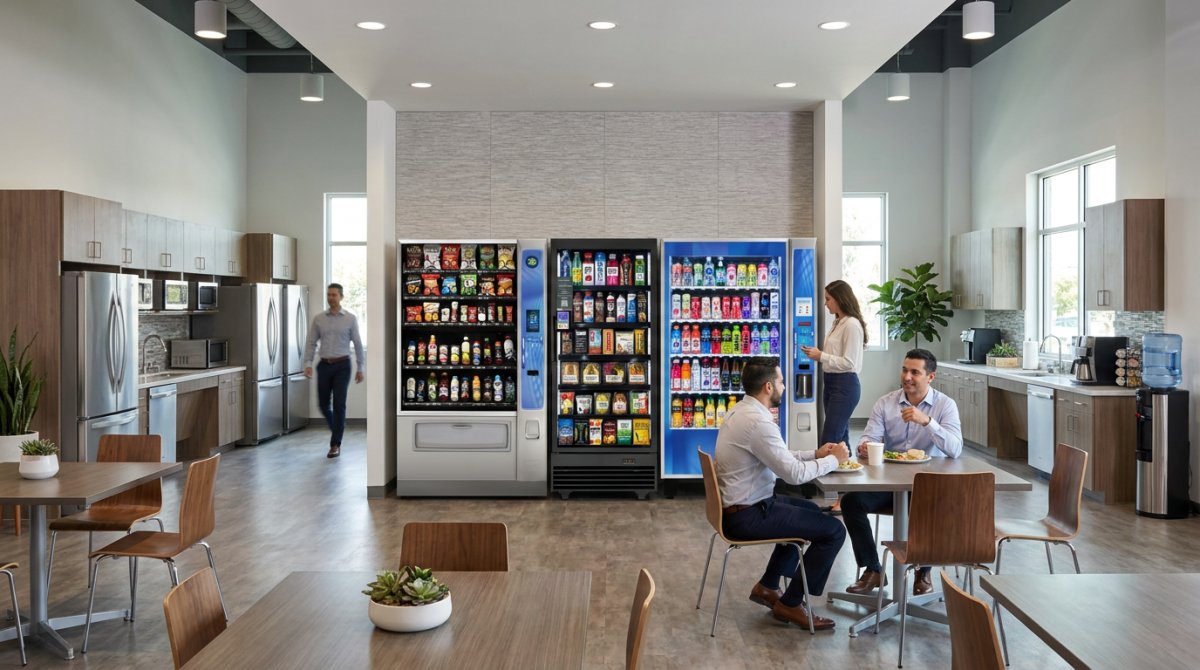
Place the machine where employees already pass during the day. A spot near the breakroom entrance, seating, or the microwave works well. Avoid corners where the line would block a doorway or walkway.
- Keep it away from direct sunlight and heat sources.
- Leave a clear path so two people can use it without crowding.
- Make sure service staff can reach the front of the machine to restock.
If the building has multiple floors or shifts, ask whether one central location serves everyone or whether staff on another floor would be left out.
Space, power, accessibility, and installation requirements
The basic requirements are simple: a safe indoor or covered location, a standard electrical outlet, and enough clearance for users and for service personnel. Measure the available wall space and check the outlet before you call.
Think about the path from the loading dock or entrance to the breakroom. Narrow hallways, stairs, or tight doorways can complicate delivery. Accessibility matters too: the selection buttons, payment reader, and pickup area should be reachable for all employees, and the approach should be free of obstacles.
In shared buildings, check with property management about delivery times and elevator use. Vending SoCal carries business insurance, and property managers can request a certificate of insurance to review the coverage against the building's requirements.
Choosing between snack, drink, and combo machines
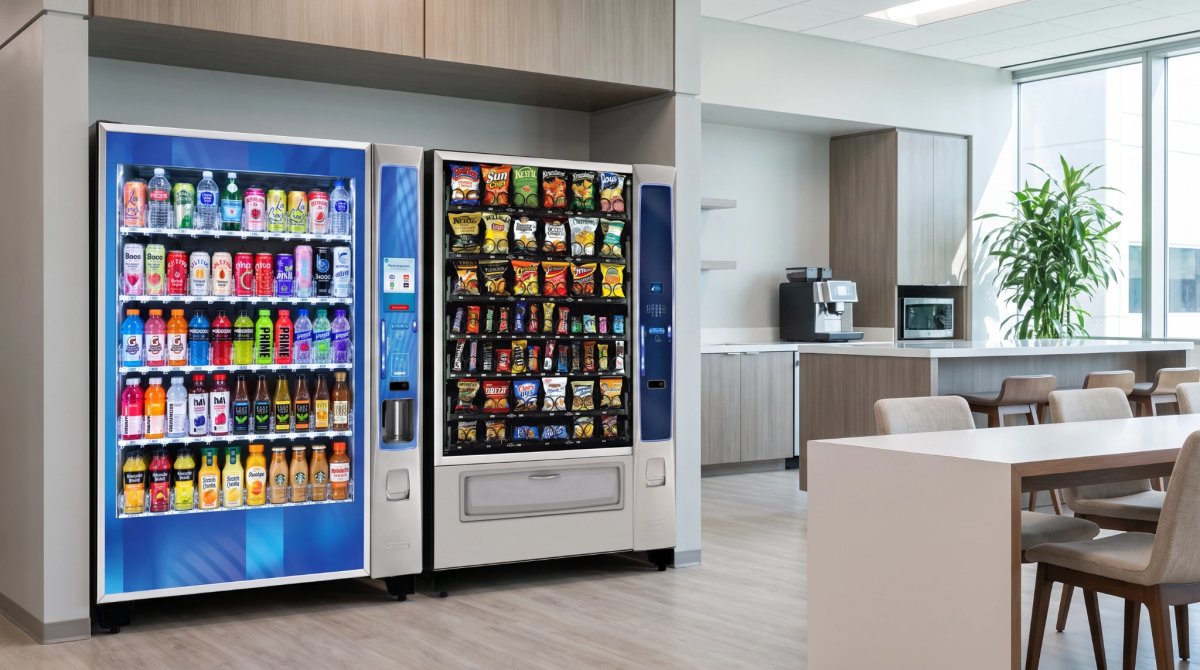
Match the machine to your space and your team's habits. Browse Our Machines to see the equipment categories.
- Snack machines suit offices where people mostly want chips, bars, or cookies.
- Drink machines fit teams that go through water, soda, and energy drinks quickly.
- Combo machines put both in one footprint, which helps when the breakroom is small.
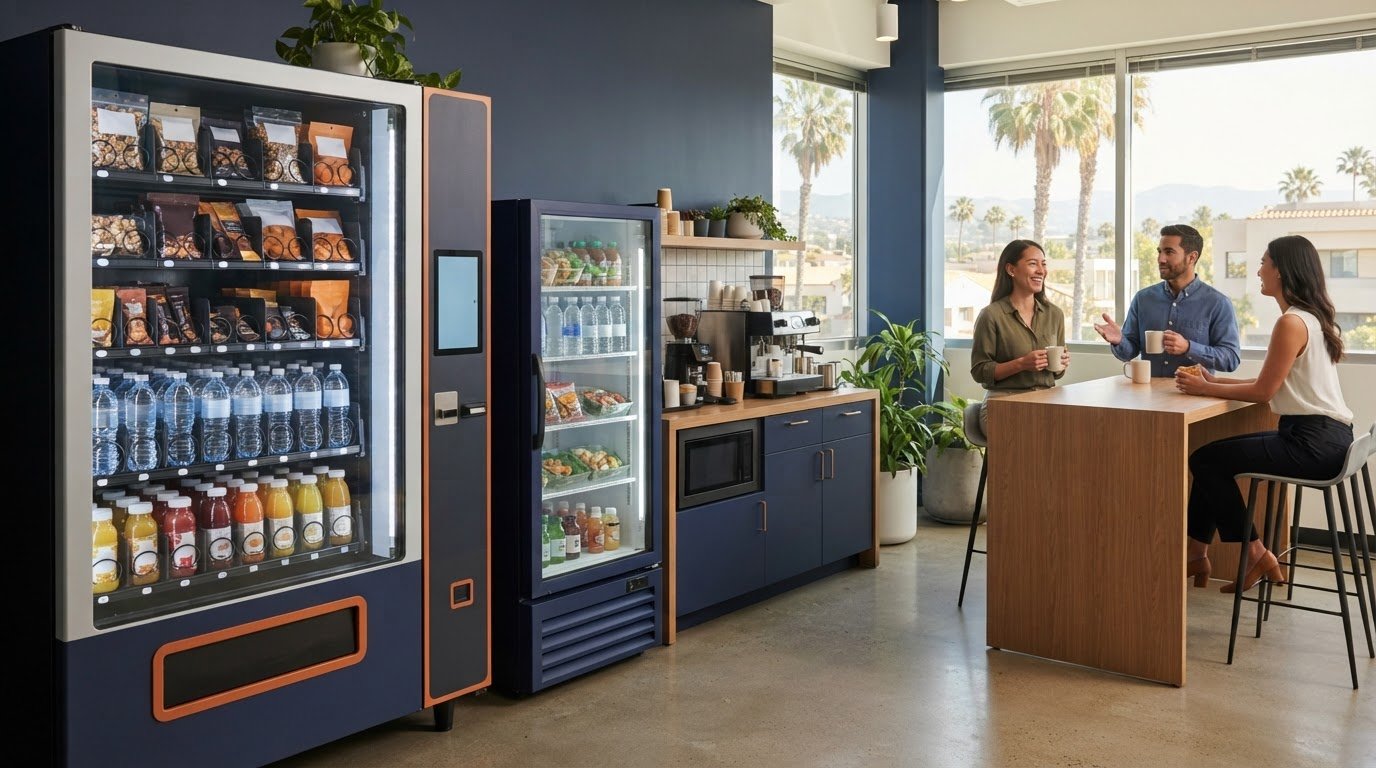
- Smart coolers, where applicable, can hold items like yogurt, sandwiches, and salads.
If you have room for only one unit, a combo machine is often the practical pick. Larger sites with steady traffic may suit more than one machine.
Collect employee snack and beverage preferences
A short survey keeps the product mix relevant from day one. Ask three or four questions: favorite snacks, preferred drinks, any dietary needs, and whether people want healthier options. A shared form or a sheet taped in the breakroom both work.
Vending SoCal customizes product selections for each location. Drinks can include bottled water, zero-sugar soda, sparkling water, iced tea, sports drinks, juice, and protein drinks. Snacks range from chips and nuts to granola bars and trail mix. See the full range on Our Products. Custom requests are considered and added when feasible.
Cashless payment and convenient employee access
People rarely carry cash. Modern machines accept cash, credit and debit cards, Apple Pay, Google Pay, and tap-to-pay, with exact options depending on the machine installed. Employees can grab something between meetings without a trip to the ATM.
Some modern vending machines use delivery sensors to detect unsuccessful purchases. Depending on the equipment and payment setup, failed transactions may trigger an automatic refund or cancellation of the payment authorization.
How restocking, maintenance, and product changes are handled
With full-service vending, your team does not stock shelves, clean machines, or chase repairs. Vending SoCal handles installation, regular restocking, and maintenance. Restocking frequency varies with traffic, and busier sites may be restocked more often.
Product changes are part of the process. If employees keep asking for a drink the machine does not carry, tell your service contact. Sales patterns and feedback guide what gets added or swapped. Designate one person, such as an office manager, to pass along requests and report faults so nothing falls through the cracks.
Vending SoCal is a locally based Orange County provider with over 10 years of industry experience. For qualifying commercial locations, installation, stocking, and maintenance come at no cost. Learn more on the Office Vending Service page, or read how no-cost placement works.
Short checklist before requesting an installation
- Estimate daily on-site employees across all shifts.
- Choose the breakroom spot and confirm it is indoors and clear.
- Check for a standard electrical outlet nearby.
- Measure the space and the delivery path.
- Confirm building access rules and any insurance paperwork needed.
- Collect snack and drink preferences from employees.
- Name one contact for service requests.
Request vending service for your Irvine workplace
With these details ready, the conversation with Vending SoCal is quick. Share your location, traffic, and preferences, and the team will review whether your site qualifies. Contact Vending SoCal to request vending service for your Irvine workplace.
Frequently Asked Questions
Does an office vending machine setup cost anything?
For qualifying commercial locations, Vending SoCal provides installation, stocking, and maintenance at no cost. Qualification depends on traffic, space, and route fit.
What do I need to provide?
A safe indoor space, a standard electrical outlet, and enough clearance for employees and service personnel.
Can employees pay without cash?
Yes. Machines accept cash, cards, Apple Pay, Google Pay, and tap-to-pay, depending on the machine installed.
Frequently Asked Questions
For qualifying commercial locations, Vending SoCal provides installation, stocking, and maintenance at no cost. Qualification depends on traffic, space, and route fit.
A safe indoor space, a standard electrical outlet, and enough clearance for employees and service personnel.
Yes. Machines accept cash, cards, Apple Pay, Google Pay, and tap-to-pay, depending on the machine installed.